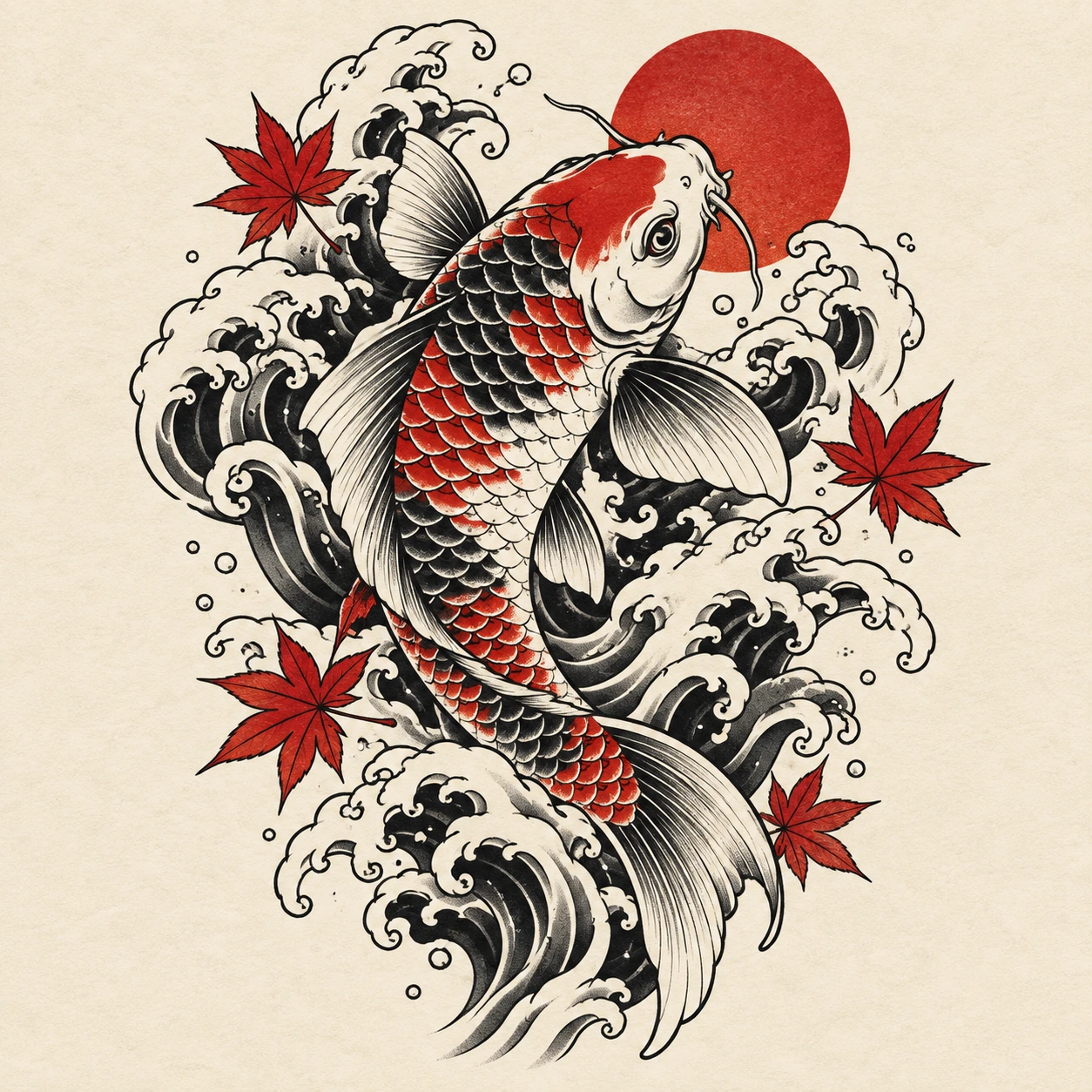
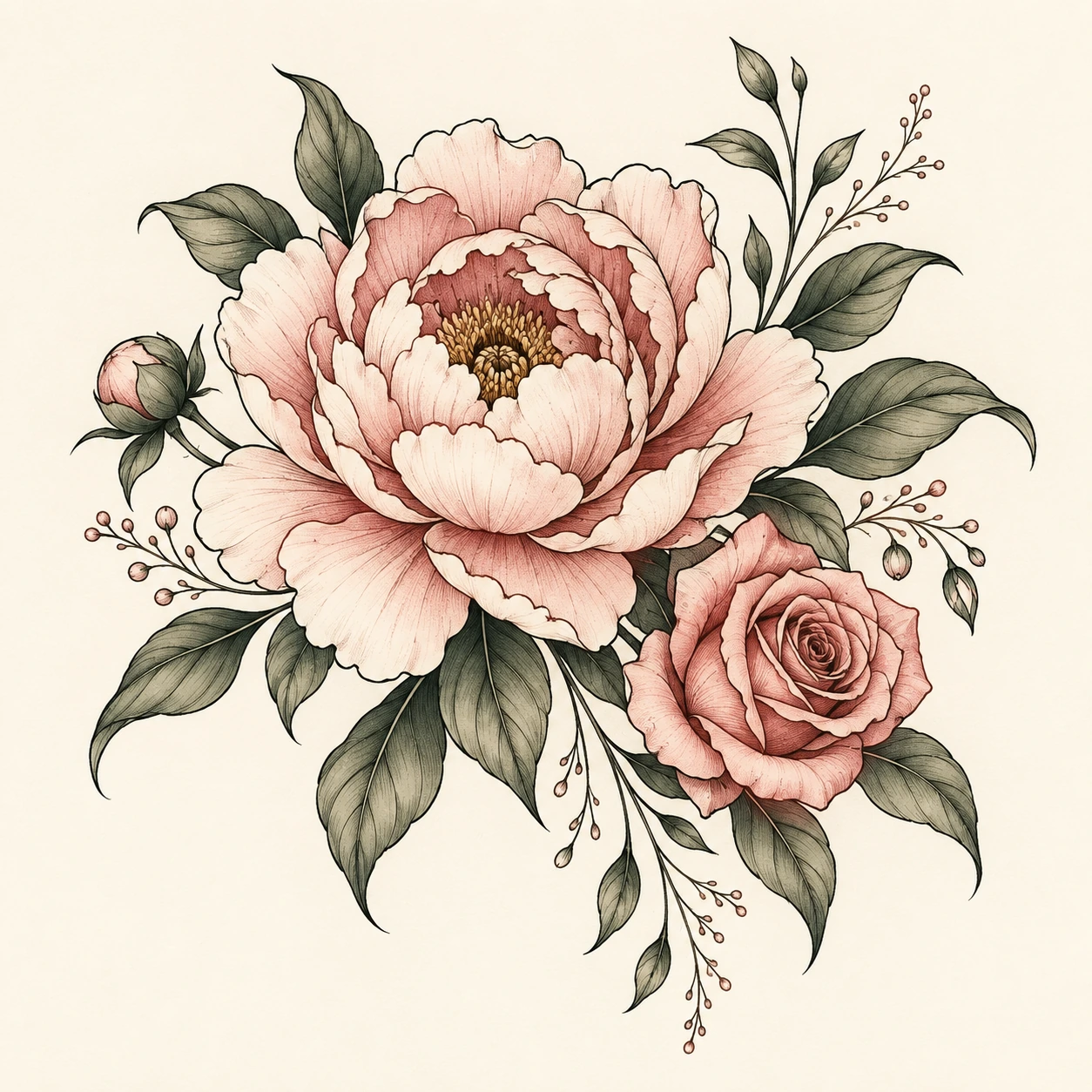
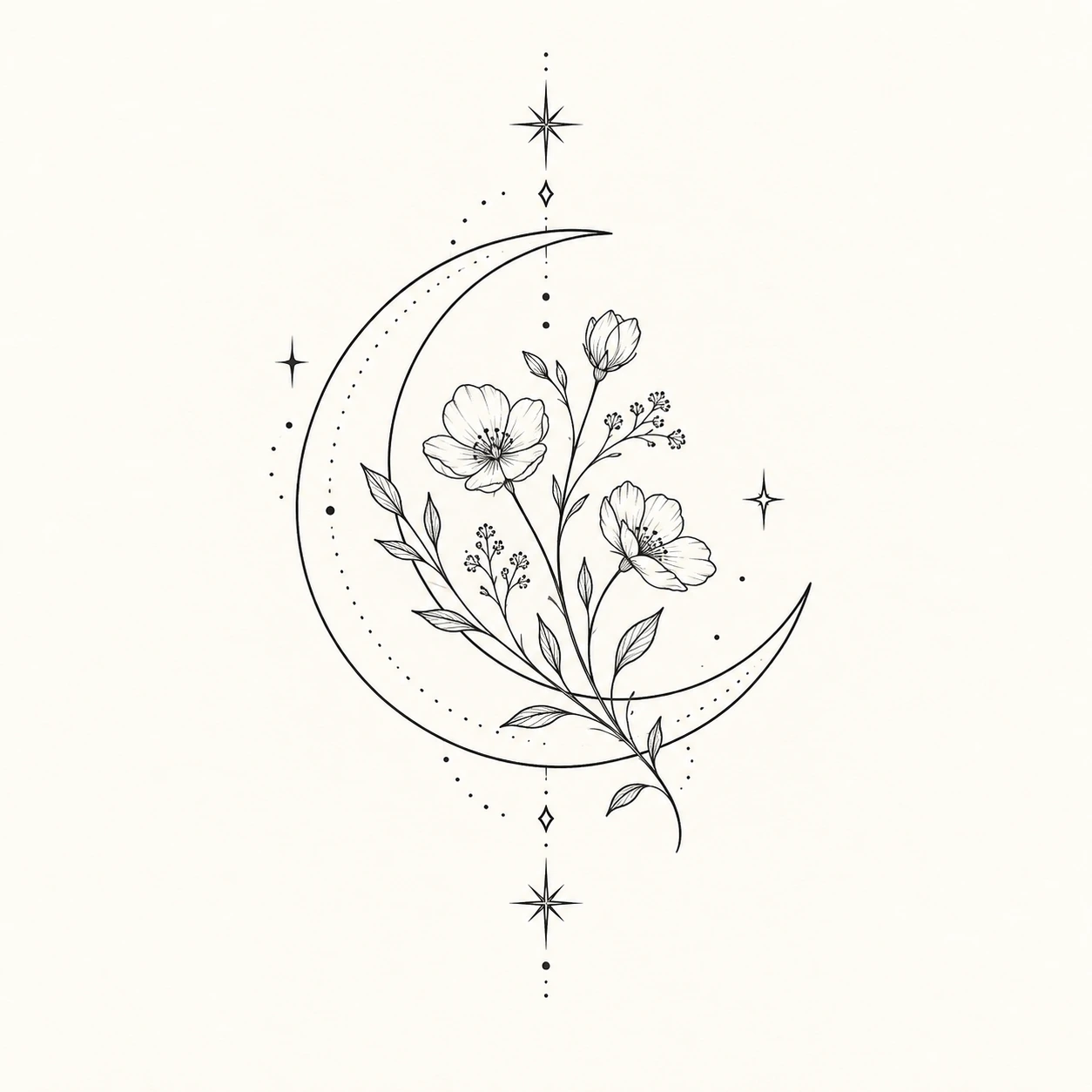
Pick a direction
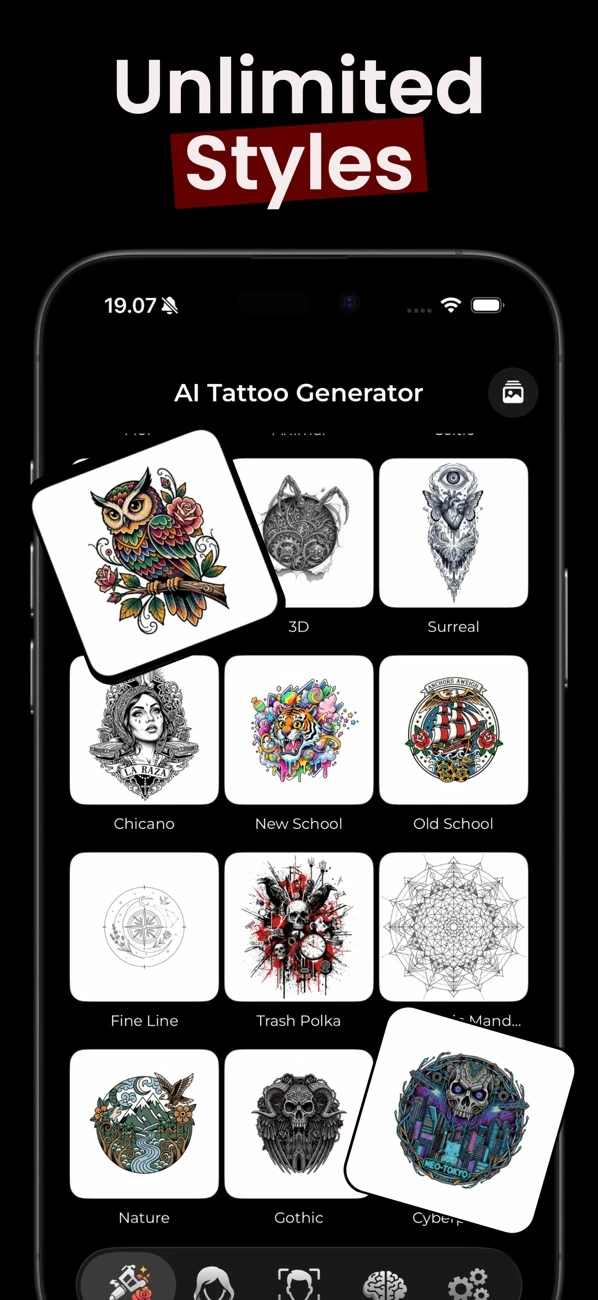
Browse a range of tattoo styles, from fine line and floral to Japanese, geometric, and more.
 InkAI
Get the app
✳ YOUR IDEA, IN INK
Create tattoo concepts from text or reference images, explore styles, refine the design, and preview it on your photo before discussing it with an artist.

THE APP, AT A GLANCE
InkAI is an AI tattoo design app for iPhone and iPad, published by Lingga Kusuma Sakti (LMakt). It creates tattoo concepts from text or image references, supports refinement, and previews designs on a selected photo. It is free to download; some features require a subscription or credits.
A BETTER FIRST SKETCH
InkAI helps you explore visual directions before you sit down with your tattoo artist. Choose a style, describe the idea, and use the result as a starting point for a real conversation.
Browse a range of tattoo styles, from fine line and floral to Japanese, geometric, and more.
Start with a text prompt or use an image as inspiration. Refine the concept until it feels closer to you.
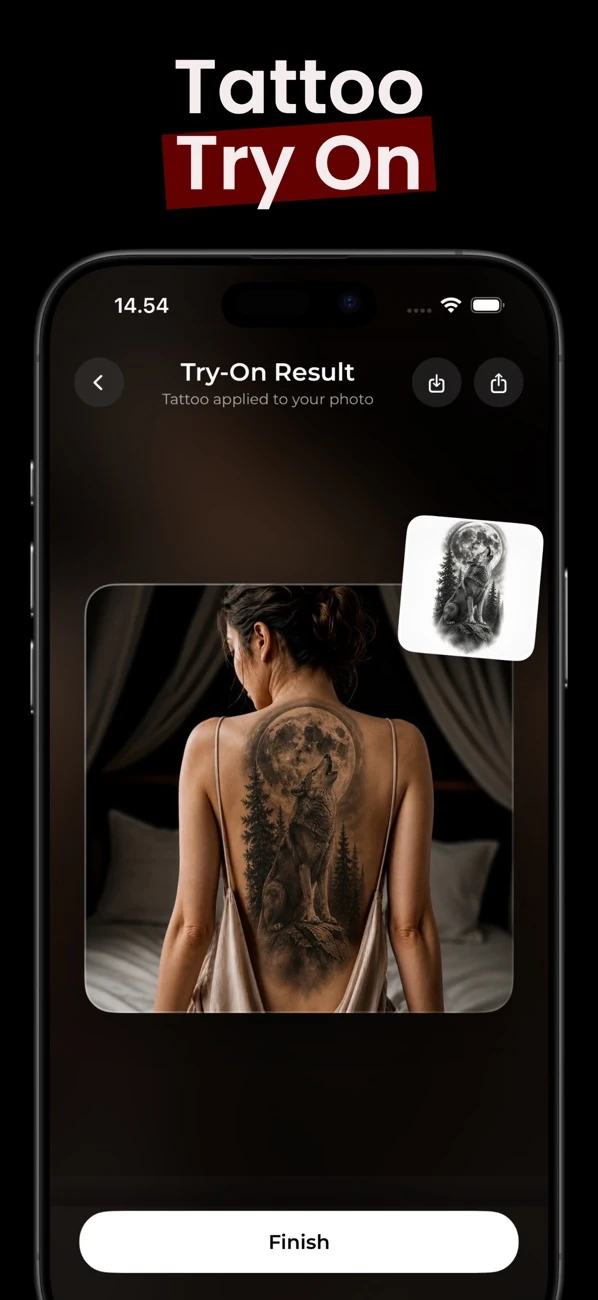
Preview a tattoo concept on your photo to help picture placement before discussing it with an artist.
FIND YOUR STYLE
Whether you have a clear vision or are still collecting ideas, explore styles and see where your next design takes you.
Illustrative AI-generated concepts; app results will vary. Work with a professional tattoo artist to adapt your design and make it your own.
INSIDE INKAI
Describe a subject and select a style, or use an image as inspiration. Compare concepts to discover the direction you want to explore.
Ask for changes to the generated design. Keep the features you like and use refinement to explore a different visual direction.
Save your concept and explore a stencil conversion as a reference for your artist. AI linework needs professional review before it becomes a real tattoo.
InkAI’s photo-based tattoo try-on helps you picture placement. It is an approximation, not a measurement or a guarantee of the final result.
Free to download. Some features require a subscription or credits. Check current availability and terms in the app.
A RECORDED EXAMPLE
We created these concepts through InkAI’s image service on October 25, 2026, then asked it to simplify the first result. See the exact brief, refinement request, and observations in our fine line walkthrough.

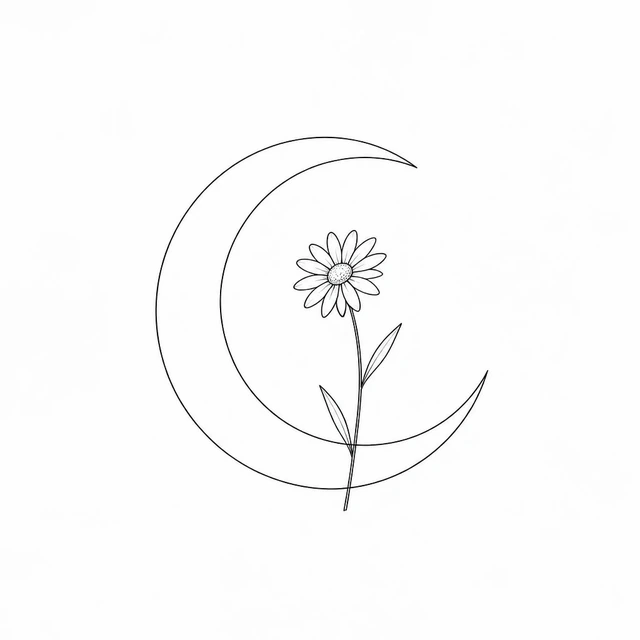
Recorded service outputs, not app screenshots. Actual results will vary. A tattoo artist should adapt any concept before it becomes a real tattoo.
THE FIRST STEP IS AN IDEA
GOOD TO KNOW
An AI tattoo generator turns a written prompt or image reference into a visual design concept. InkAI is designed to help you explore possibilities and prepare ideas to discuss with a tattoo artist.
InkAI includes a try-on feature that can preview a generated tattoo concept on a photo you choose, helping you explore how placement might look.
Use generated designs as inspiration. A professional tattoo artist can adapt the concept for your body, placement, skin, and the practical needs of tattooing.
InkAI is an iPhone and iPad app. The App Store listing specifies iOS 17 or later; check the listing for current compatibility details.
InkAI is free to download. Some features require a subscription or credits. Check current availability and terms in the app.
The try-on feature described here previews a design on a photo you select. It is not a live camera measurement or a guarantee of how a finished tattoo will look.
Photo handling depends on the app’s image-generation workflow. Review the app privacy policy for current data-handling details; this website does not make a photo-retention promise.